how to check PF balance via sms?
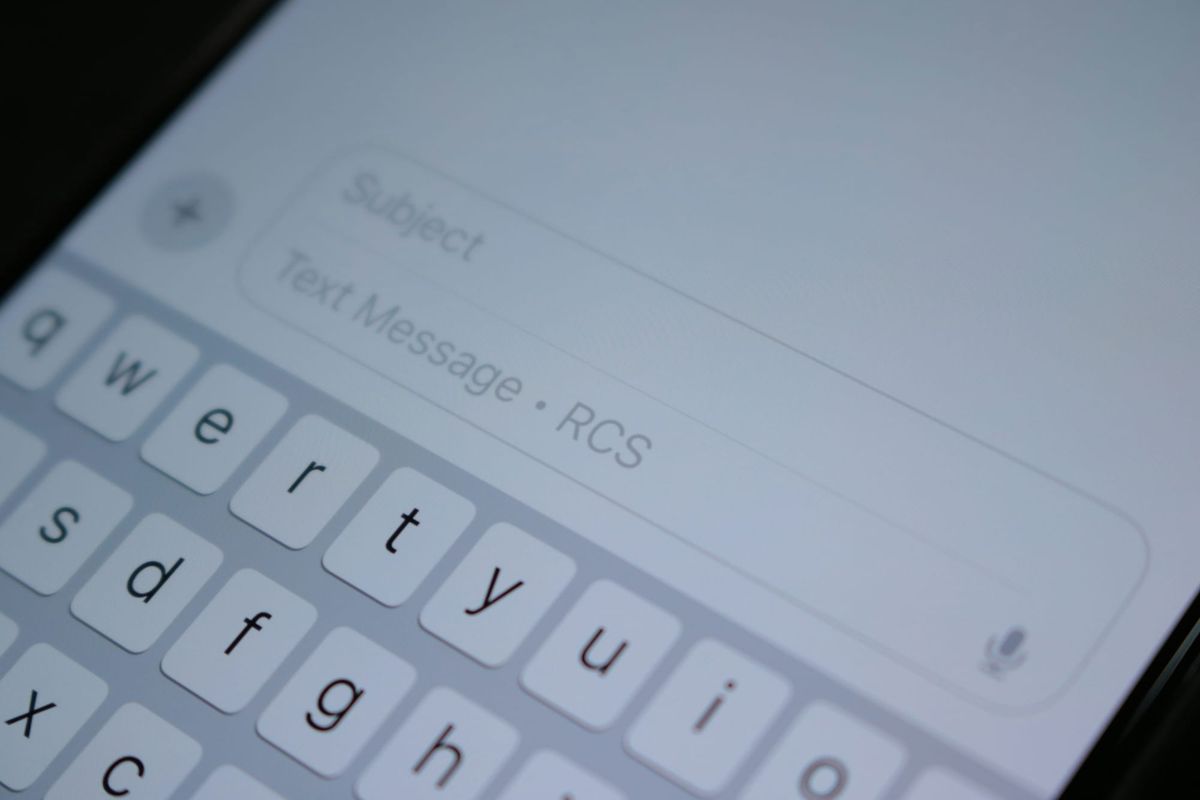
EPFO runs a free SMS service for members. no internet, no app. just a text message from a registered phone. feature phones work fine.
the reply comes with the current PF balance and the latest deposit details: both employee and employer contributions.
ten languages are supported: English, Hindi, Punjabi, Gujarati, Marathi, Kannada, Telugu, Tamil, Malayalam, and Bengali.
three things that must be in place
the SMS service fails if even one of these is missing:
activated UAN: the Universal Account Number needs to be active on the employees provident fund organisation (EPFO) portal. an inactive universal account number (UAN) returns no response.
registered mobile number: the phone sending the SMS must be the one linked to the UAN. EPFO does not send replies to unregistered numbers.
updated KYC: Aadhaar, permanent account number (PAN), or bank account details must be linked to the employees provident fund (EPF) account. at least one of these is mandatory.
if the employer has not deposited the latest contribution, the balance shown will be older. pending know your customer (KYC) also blocks the service.
sending the sms: the exact format
| step | action |
|---|---|
| 1 | open the SMS app on the registered phone |
| 2 | type: EPFOHO UAN |
| 3 | put the actual 12-digit UAN in place of UAN |
| 4 | send to 7738299899 |
| 5 | wait for the reply |
example: UAN is 987654321012. send EPFOHO 987654321012 to 7738299899.
choosing a language for the reply
add a three-letter language code after the UAN to get the response in that language.
| language | code | SMS Format |
|---|---|---|
| english (default) | no code | EPFOHO UAN |
| Hindi | HIN | EPFOHO UAN HIN |
| punjabi | PUN | EPFOHO UAN PUN |
| gujarati | GUJ | EPFOHO UAN GUJ |
| marathi | MAR | EPFOHO UAN MAR |
| kannada | KAN | EPFOHO UAN KAN |
| Telugu | TEL | EPFOHO UAN TEL |
| Tamil | TAM | EPFOHO UAN TAM |
| malayalam | MAL | EPFOHO UAN MAL |
| bengali | BEN | EPFOHO UAN BEN |
for Hindi: EPFOHO 987654321012 HIN works.
what comes back in the reply
the SMS reply carries three pieces of information:
- total PF balance
- employee and employer contribution from the latest deposit
- KYC status (whether updated or pending)
the balance is as of the last deposit made by the employer. late deposits mean the balance does not include the pending amount.
the missed call alternative
not everyone wants to type an SMS. EPFO has a missed call option for such cases.
call 9966044425 from the registered mobile number. the call rings twice and disconnects. an SMS with the PF balance arrives within seconds.
the same conditions apply. UAN activation, mobile registration, and KYC update are all required.
why the sms sometimes fails
| problem | reason | what to do |
|---|---|---|
| no reply comes | number not registered | check with employer or log in to EPFO portal |
| "UAN not active" error | UAN not activated | activate it on the unified portal |
| "KYC not updated" error | aadhaar/PAN/bank not linked | update through employer or EPFO portal |
| old balance shown | employer hasn't deposited | ask employer about the delay |
| no delivery | wrong format | message must start with EPFOHO and have no extra spaces |
no charge for the EPFO service. mobile operators may deduct standard SMS rates.
activating the UAN: step by step
A UAN that is not activated blocks the SMS service. the activation process takes about five minutes:
- go to https://unifiedportal-mem.epfindia.gov.in/memberinterface
- find "Activate UAN" on the homepage
- fill in UAN, name, date of birth, mobile number, and captcha
- enter the OTP received on the phone
- create a password and complete the login
both SMS and missed call services start working right after activation.
getting KYC updated
KYC updates are handled through the EPFO portal:
- log in with UAN and password
- navigate to 'Manage' > 'KYC'
- add or update Aadhaar, PAN, and bank account
- click 'Save': employer approval follows
the employer must approve the updates for them to reflect in the system. this usually takes a few days.
frequently asked questions
1. can I check PF balance via sms without a UAN?
the service requires a UAN. the format EPFOHO UAN needs the actual UAN to work.
2. does sending the sms cost money?
EPFO does not charge for the service. mobile operators may levy standard SMS charges based on the plan.
3. what if the mobile number is not registered with EPFO?
the service will not work. EPFO sends the reply only to the registered number. the number needs to be updated through the employer or the EPFO portal.
4. how current is the balance shown in the sms?
the balance is as of the last contribution deposited by the employer. if the employer delays the deposit, the balance will not reflect the pending amount.
5. sms or missed call: which one should I use?
both give the same information. the SMS option allows language selection by adding a code. the missed call is simpler but defaults to the language set on the mobile network.